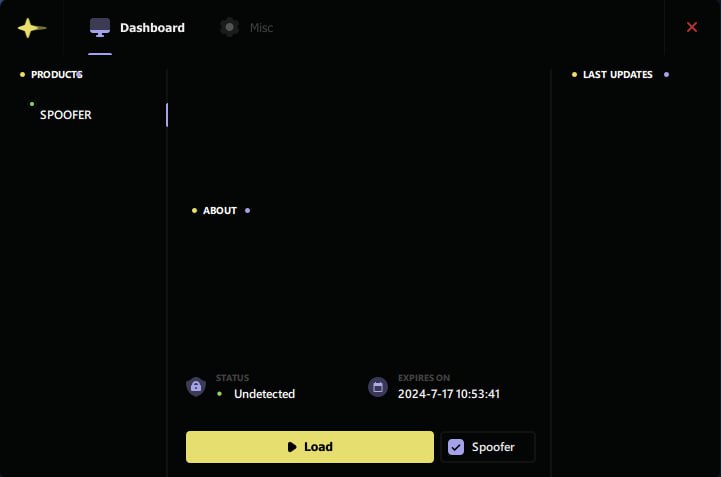
EAC、BattlEye、ACE を使用したゲーム用の Ancient HWID Spoofer
EAC、BattlEye、ACE アンチチート機能を備えたゲームで HWID 禁止を回避するための Private Ancient HWID Spoofer。 PC が再起動するまでのドライバー レベルのデータ スプーフィングは、人気のあるタイトルでテストされており、すべての条件が満たされた場合に厳密なアンチチートとともに機能します。
プランとお支払い
Checkout opens at our payment partner Digiseller — a secure, well-known marketplace gateway. You receive the access key right after payment.
After purchase — what happens next
-
1
Pay via Digiseller
Pick a plan and complete checkout on our payment partner. Card, e-wallet and crypto are supported.
-
2
Get your key / file
A download link or activation key arrives instantly in your Digiseller account and by email.
-
3
Follow the bundled guide
Before launching, read the pre-use tips — they cover the recommended Windows / TPM steps.
-
4
Stuck? Ping support
Reach us on Telegram or via the in-page chat — we walk you through it.
FAQ — this product
A spoofer reduces the chance that the anti-cheat re-flags your machine. No product can guarantee 100% protection — follow the bundled tips (clean Windows install, TPM cleanup) for the best result.
Supported anti-cheats and games are listed in the "Compatibility" and "Works with games" sections above. If your game / AC is not listed, ping support before buying.
If the spoofer doesn't activate on your hardware, contact us within the period stated on the Guarantees page — we either help fix it, swap it for another product, or refund.
Highly recommended for a fresh start: it clears traces the anti-cheat may already remember. Full instructions are in the tips section.
Instant. After Digiseller confirms payment, you receive a file / key in your Digiseller account and by email.
Ancient HWID Spoofer は、人気のあるオンライン ゲームの HWID 禁止を回避するために設計されたプライベート ドライバー レベルのスプーファーです。これは、コンピュータが再起動されるまで一時的にハードウェア識別子を偽装することによって機能します。
この製品は、経験豊富なユーザーや、保護が強化されたプロジェクトなどの複雑な禁止ケースを対象としています。スプーファーは、主要なシステム識別子を変更し、ゲームへのアクセスを取り戻す機会を得ることができる低レベルのソリューションを使用します。
次のデータを偽装します。
- ディスクシリアル (ストレージドライブシリアル)
- RAMシリアル
- モニターシリアル
- S.M.A.R.T データ
- ネットワークアダプター
- MACアドレス
- レジストリ値
- GPU情報
- マザーボード情報
- ARPプロトコル
仕組み:
- ドライバーレベルの HWID スプーフィング
- すべての変更は PC を再起動するまで有効です
- 再起動後、元のデータが復元されます
警告:
ACE アンチチート (Delta Force、ABI) を備えたゲームでは、非常に厳格な保護が使用されます。
Ancient HWID Spoofer は役立ちますが、これは一連の必須手順に従った場合に限られます。
- システムドライブのフルフォーマット
- Windowsを再インストールする
- ディスクパーティションを削除して再作成する
- 外部デバイスを取り外します: USB モデム、プリンター、VR デバイス、Bluetooth アダプターなど。
- 有料VPNを使用する(無料のものは効果がありません)
- BIOSを再フラッシュすることをお勧めします(バージョンを上位または下位に変更します)
スプーファーには、システムからチートおよびアンチチートの痕跡を削除できる完全なクリーナーは含まれていません。
重要な注意事項:
- ACE のバイパスは、すべての条件が満たされた場合にのみ可能です
- ステップを無視すると、プロセスを最初からやり直す必要があります
- スプーファーは、完全なシステム準備と組み合わせた場合にのみ効果的に機能します。
- 公開時点 (2 月 2 日) では、ACE HWID 禁止に代わる有効なソリューションはありません。
要件:
- AES命令サポート(CPU-Z経由で確認可能)
- 仮想化有効: VT-x / SVM (BIOS)
- SATAドライブを偽装しません
- Wi-Fiアダプターを偽装しません
システム要件:
オペレーティング システム:
Windows 10 – Windows 11。ビルド: 1809 → 24H2;
プロセッサー: インテル。 AMD;
結果:
Ancient HWID Spoofer は、一時的なドライバー レベルのハードウェア データ スプーフィングを提供し、EAC、BattlEye、ACE を使用したゲームで HWID 禁止を回避する機会を提供します。最大の結果は、包括的なアプローチと指示の厳守によってのみ達成されます。