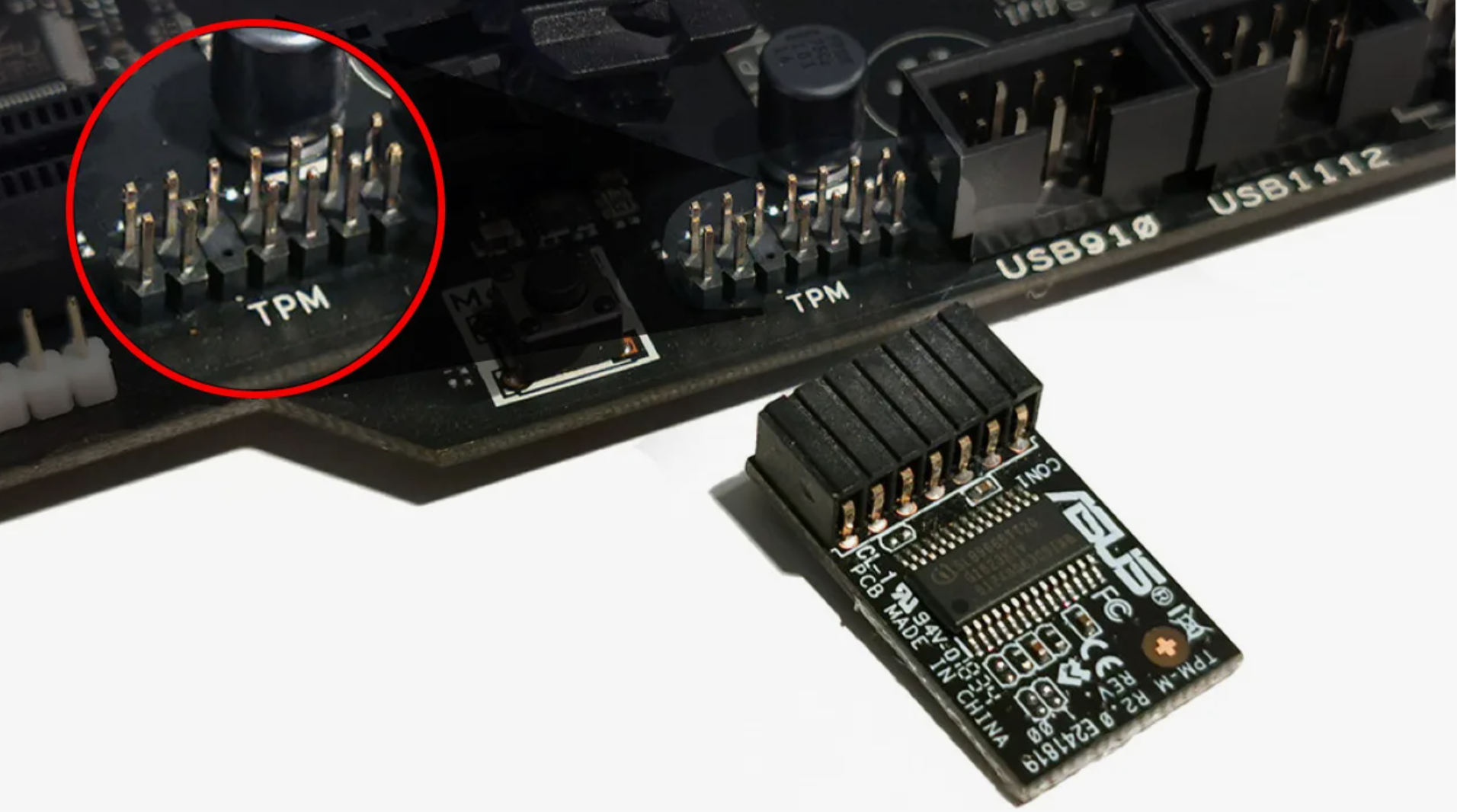
TPM Spoofer — 仅 TPM 2.0(附加到您的主欺骗程序)
TPM Spoofer 仅更改 TPM 2.0 标识符 — 它不是完整的 HWID 欺骗程序。将其与其他不接触 TPM 的欺骗程序(磁盘、MAC、SMBIOS 等)一起使用。可在启用安全启动和 HVCI 的情况下使用。
套餐与支付
Checkout opens at our payment partner Digiseller — a secure, well-known marketplace gateway. You receive the access key right after payment.
After purchase — what happens next
-
1
Pay via Digiseller
Pick a plan and complete checkout on our payment partner. Card, e-wallet and crypto are supported.
-
2
Get your key / file
A download link or activation key arrives instantly in your Digiseller account and by email.
-
3
Follow the bundled guide
Before launching, read the pre-use tips — they cover the recommended Windows / TPM steps.
-
4
Stuck? Ping support
Reach us on Telegram or via the in-page chat — we walk you through it.
FAQ — this product
A spoofer reduces the chance that the anti-cheat re-flags your machine. No product can guarantee 100% protection — follow the bundled tips (clean Windows install, TPM cleanup) for the best result.
Supported anti-cheats and games are listed in the "Compatibility" and "Works with games" sections above. If your game / AC is not listed, ping support before buying.
If the spoofer doesn't activate on your hardware, contact us within the period stated on the Guarantees page — we either help fix it, swap it for another product, or refund.
Highly recommended for a fresh start: it clears traces the anti-cheat may already remember. Full instructions are in the tips section.
Instant. After Digiseller confirms payment, you receive a file / key in your Digiseller account and by email.
重要提示:TPM Spoofer 仅用于更改 TPM 2.0 模块标识符。它不会欺骗磁盘、MAC、SMBIOS、GPU 或其他硬件 ID。它不能替代完整的 HWID 欺骗程序 — 您必须将其与另一个不会更改 TPM 的欺骗程序一起使用。仅 TPM Spoofer 无法修复硬件禁令。
TPM Spoofer 是专门用于在 TPM 2.0 级别更改 TPM 的永久解决方案。该工具专为长期使用而设计;重新安装 Windows 后,该效果仍然存在,并且在启用安全启动和 HVCI 的情况下可以正常工作。
与传统的 HWID 欺骗程序不同,TPM 欺骗程序仅更改受信任模块 (TPM) 级别的状态。其他标识符必须使用单独的欺骗程序进行更改。
目的:
— 永久 HWID 更改
— TPM 2.0 级别运行
— 消除重复的硬件绑定
— 在具有现代反作弊功能的系统中使用
特点:
— 永久硬件标识符更改
— TPM 2.0 级别运行
— 重新安装 Windows 后保留结果
— 启用安全启动后正确操作
— HVCI/基于虚拟化的安全支持
— 与任何主板兼容
— 与驱动程序和操作系统没有冲突
— 稳定运行,无需临时解决方案
反作弊支持:
— 先锋
— 简易反作弊 (EAC)
— 战眼
— FaceIT
— 王牌
— 其他现代反作弊系统
系统要求:
支持的系统:Windows 10、11
支持的处理器:Intel 和 AMD
支持的主板:全部
反作弊:一切皆有可能
附加要求:需要重新安装 Windows
安装:
— 通过分步说明进行安装
— 平均安装时间:20–30 分钟
— 提供视频指南
— 提供设置帮助
重要信息:
— 解决方案是永久性的
— 重新安装操作系统后效果保留
— 专为长期使用而设计
— 稳定性取决于遵循说明
结果:
TPM Spoofer 仅提供 TPM 2.0 的稳定更改。对于完整的 HWID 更改,它必须与不接触 TPM 的主要欺骗程序(磁盘、MAC、SMBIOS 等)一起使用。