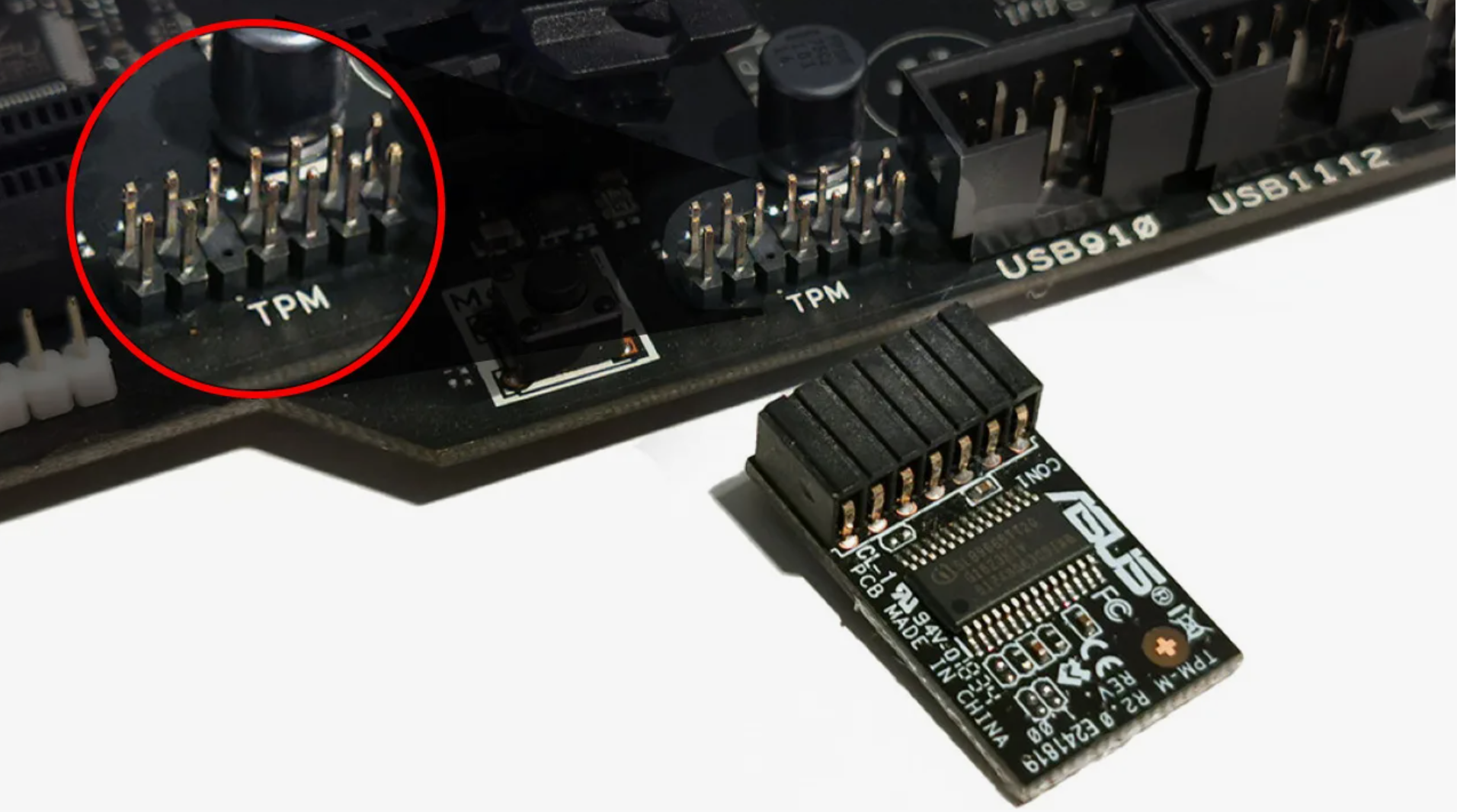
TPM Spoofer — TPM 2.0 Only (Add-on to Your Main Spoofer)
TPM Spoofer changes only TPM 2.0 identifiers — it is not a full HWID spoofer. Use it together with another spoofer (disk, MAC, SMBIOS, etc.) that does not touch TPM. Works with Secure Boot and HVCI enabled.
Plans & Payment
Checkout opens at our payment partner Digiseller — a secure, well-known marketplace gateway. You receive the access key right after payment.
After purchase — what happens next
-
1
Pay via Digiseller
Pick a plan and complete checkout on our payment partner. Card, e-wallet and crypto are supported.
-
2
Get your key / file
A download link or activation key arrives instantly in your Digiseller account and by email.
-
3
Follow the bundled guide
Before launching, read the pre-use tips — they cover the recommended Windows / TPM steps.
-
4
Stuck? Ping support
Reach us on Telegram or via the in-page chat — we walk you through it.
FAQ — this product
A spoofer reduces the chance that the anti-cheat re-flags your machine. No product can guarantee 100% protection — follow the bundled tips (clean Windows install, TPM cleanup) for the best result.
Supported anti-cheats and games are listed in the "Compatibility" and "Works with games" sections above. If your game / AC is not listed, ping support before buying.
If the spoofer doesn't activate on your hardware, contact us within the period stated on the Guarantees page — we either help fix it, swap it for another product, or refund.
Highly recommended for a fresh start: it clears traces the anti-cheat may already remember. Full instructions are in the tips section.
Instant. After Digiseller confirms payment, you receive a file / key in your Digiseller account and by email.
Important: TPM Spoofer is for changing TPM 2.0 module identifiers only. It does not spoof disk, MAC, SMBIOS, GPU, or other hardware IDs. It is not a replacement for a full HWID spoofer — you must use it together with another spoofer that does not change TPM. TPM Spoofer alone will not fix a hardware ban.
TPM Spoofer is a permanent solution specifically for changing TPM at the TPM 2.0 level. The tool is designed for long-term use; the effect persists after reinstalling Windows and works correctly with Secure Boot and HVCI enabled.
Unlike classic HWID spoofers, TPM Spoofer only changes the state at the trusted module (TPM) level. Other identifiers must be changed with a separate spoofer.
Purpose:
— permanent HWID change
— operation at the TPM 2.0 level
— elimination of repeated hardware bindings
— use in systems with modern anti-cheats
Features:
— permanent hardware identifier change
— operation at the TPM 2.0 level
— result preserved after reinstalling Windows
— correct operation with Secure Boot enabled
— HVCI / Virtualization-Based Security support
— compatible with any motherboards
— no conflicts with drivers and OS
— stable operation without temporary solutions
Anti-cheat support:
— Vanguard
— Easy Anti-Cheat (EAC)
— BattlEye
— FaceIT
— ACE
— other modern anti-cheat systems
System Requirements:
Supported Systems: Windows 10, 11
Supported Processors: Intel and AMD
Supported Motherboards: All
Anti-Cheat: All possible
Additional Requirements: Windows reinstallation required
Installation:
— installation via step-by-step instructions
— average installation time: 20–30 minutes
— video guide available
— setup assistance provided
Important information:
— the solution is permanent
— the effect is preserved after OS reinstallation
— designed for long-term use
— stability depends on following the instructions
Result:
TPM Spoofer provides a stable change of TPM 2.0 only. For a full HWID change, it must be used together with your main spoofer (disk, MAC, SMBIOS, etc.) that does not touch TPM.